Chess Master Ultimate

A modern, feature-rich chess application built with Next.js and React. Designed for chess players of all levels, it offers a soft, responsive interface, customizable settings, multilingual support, and a smooth gameplay experience.
Live Demo: Check out the deployed version at chess-master-ultimate.vercel.app
Badges








Table of Contents
- Features
- Screenshots
- Getting Started
- Usage
- Customization
- Project Structure
- Built With
- Dependencies
- Releases
- Key Features Explained
- License
- Acknowledgments
- Contact
- Contributing
- Support
Features
- Interactive Chess Board: Drag-and-drop or click-to-move piece movement.
- Game Rules Enforcement: Full chess rules including castling, en passant, and checkmate detection.
- Multilingual Support: Available in 12 languages for global accessibility.
- Customizable Themes: Light, dark, or system theme options.
- Responsive Design: Optimized for desktop, tablet, and mobile devices.
- Game Timer: Optional 10-minute timer for timed matches.
- Move History: Real-time tracking in standard chess notation.
- Game Statistics: Displays captured pieces, move count, and game phase.
- Particle Background: Dynamic, interactive background animation.
- Keyboard Shortcuts: Comprehensive controls for all major actions.
- Fullscreen Mode: Toggle for a distraction-free experience.
- Accessibility Features: Tooltips and built-in help system.
- High Performance: Fast load times and smooth gameplay.
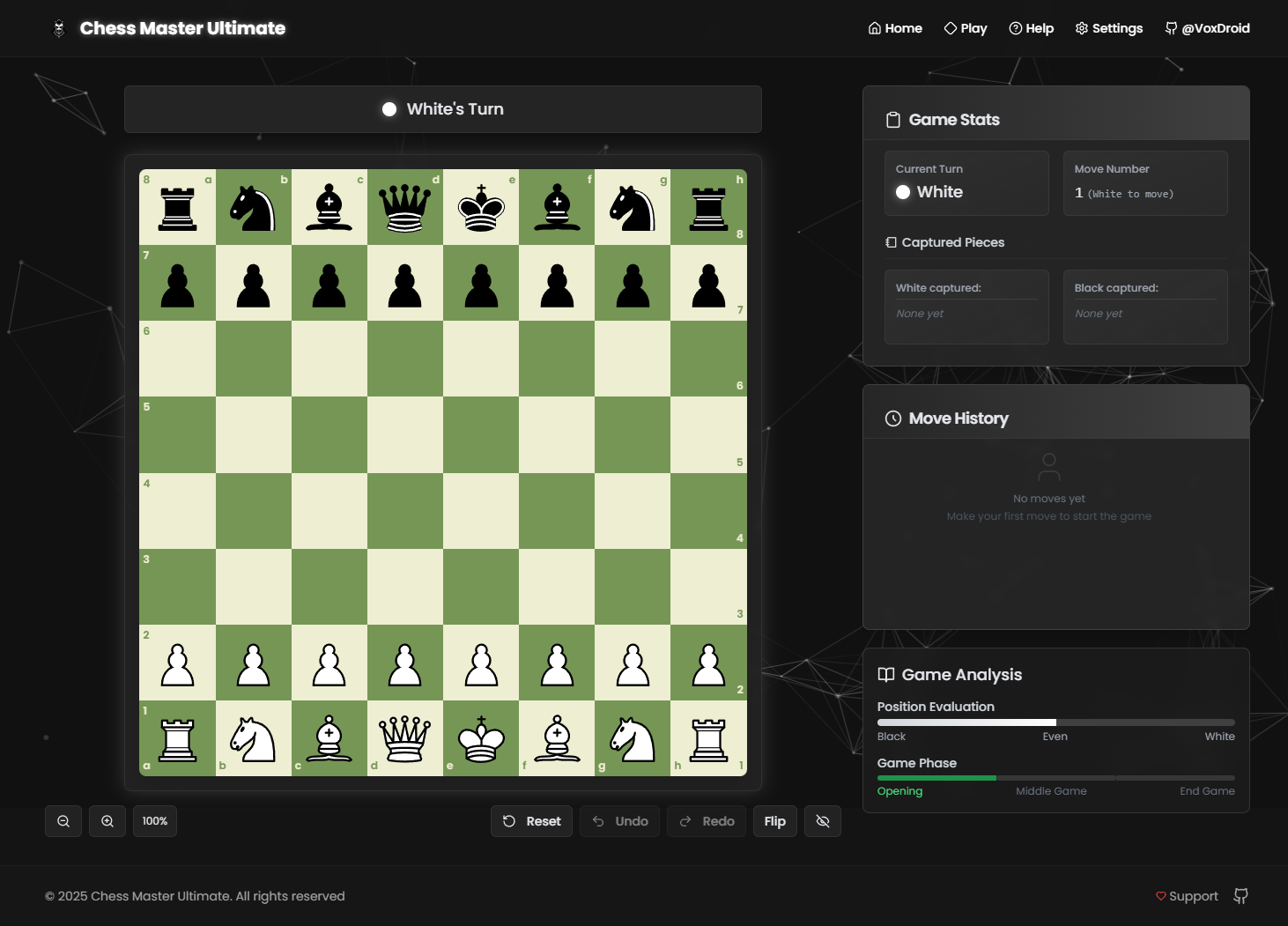
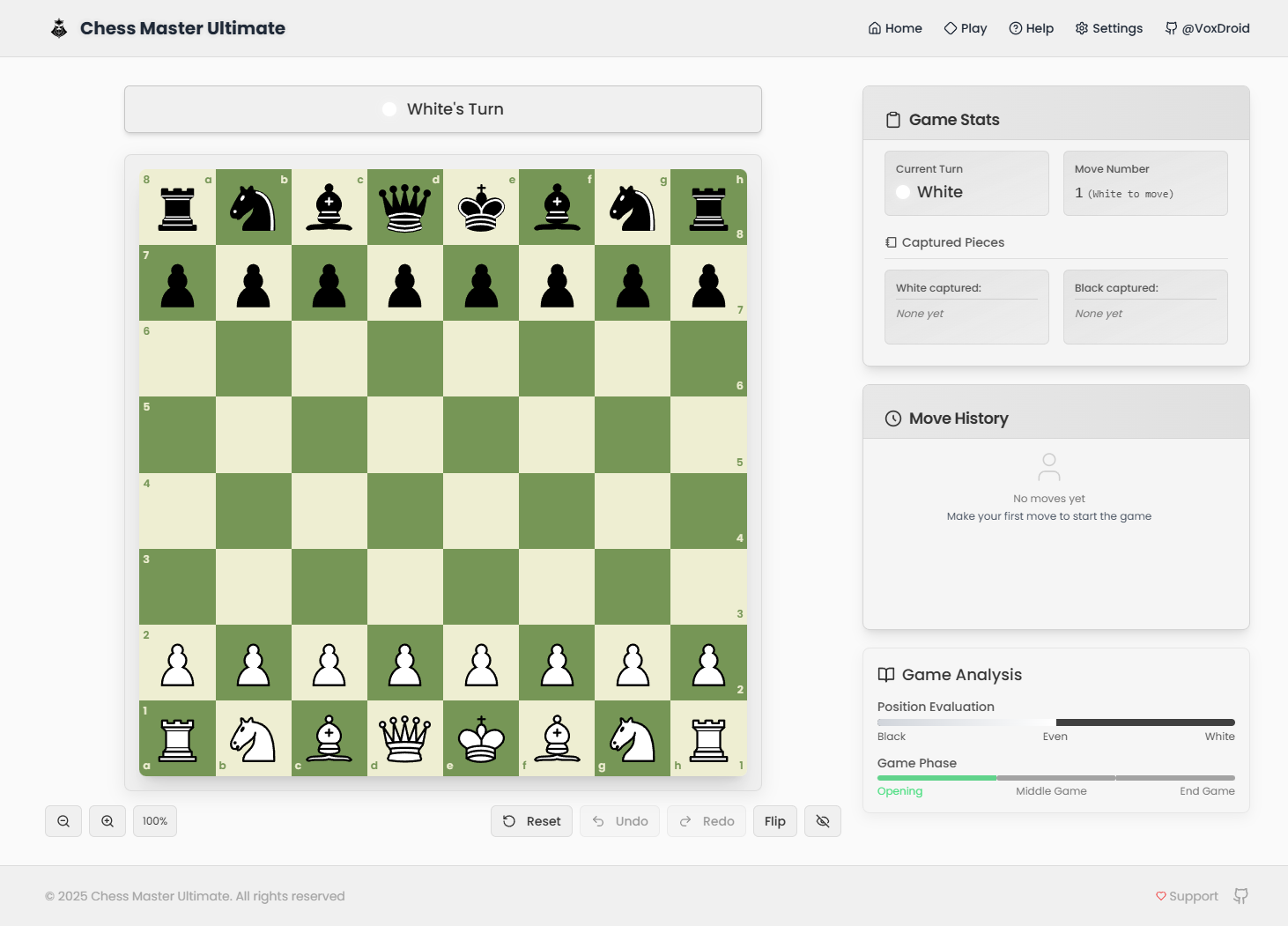
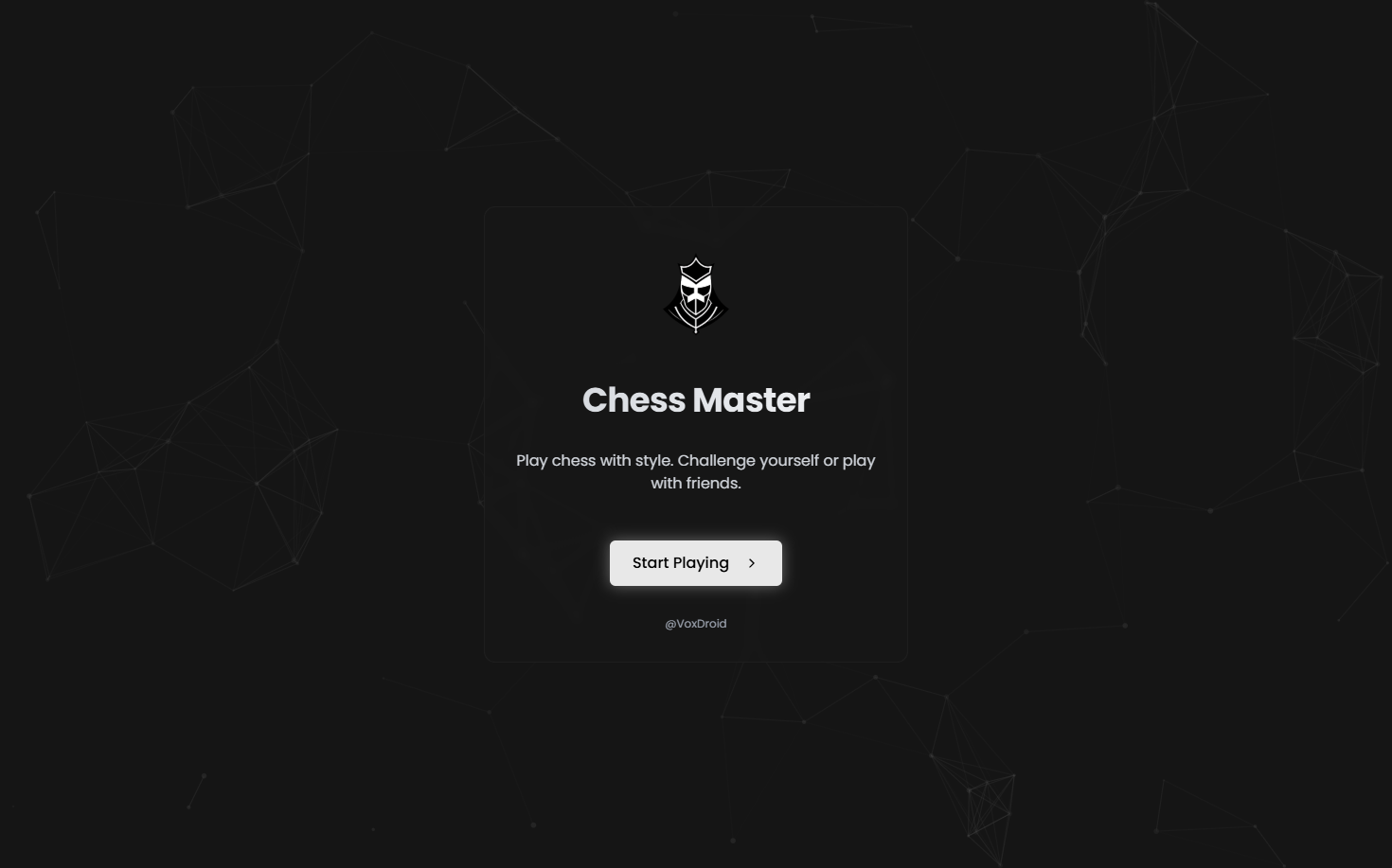
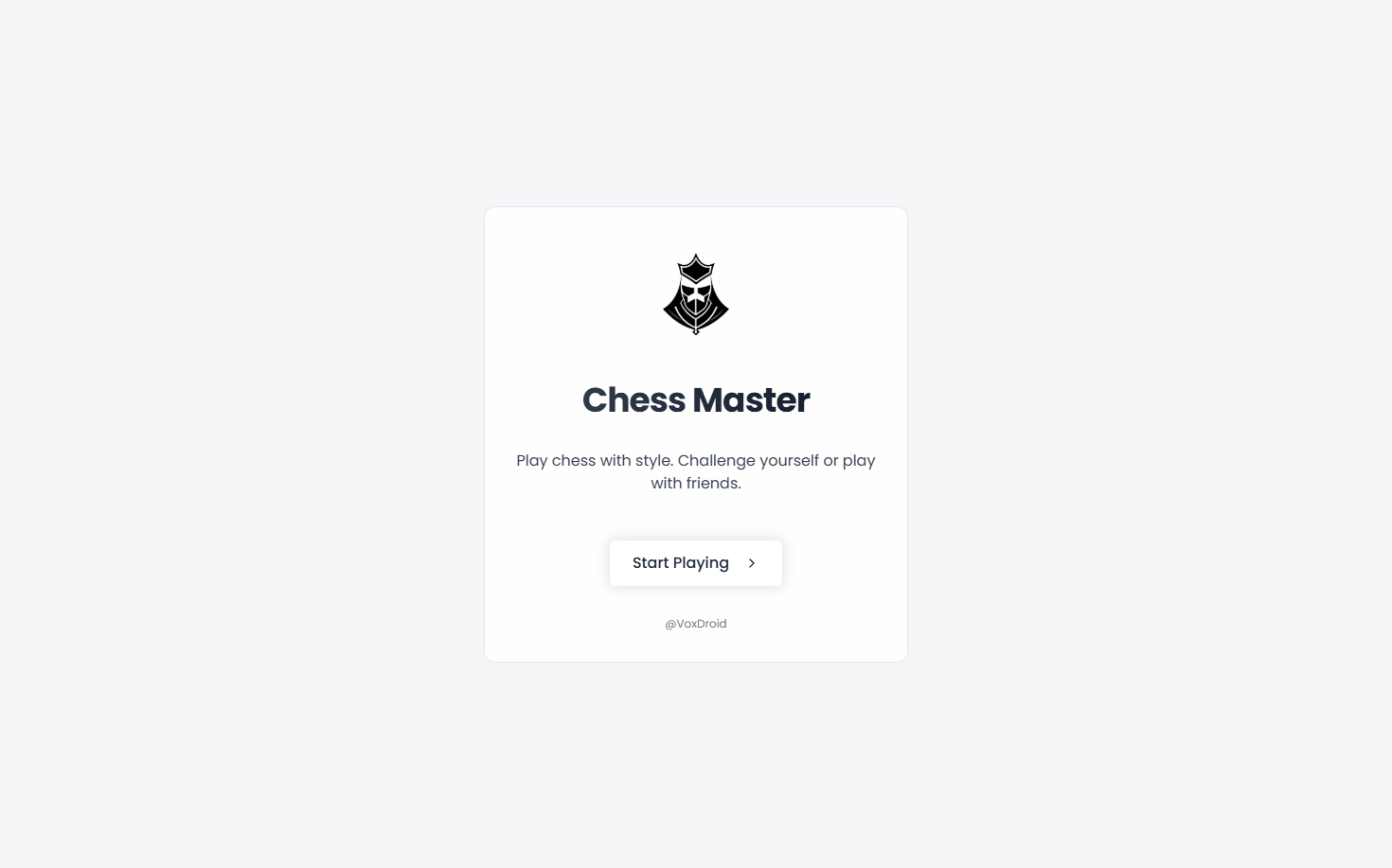
Screenshots
| Feature | Light Mode | Dark Mode |
|---|---|---|
| Home Screen | 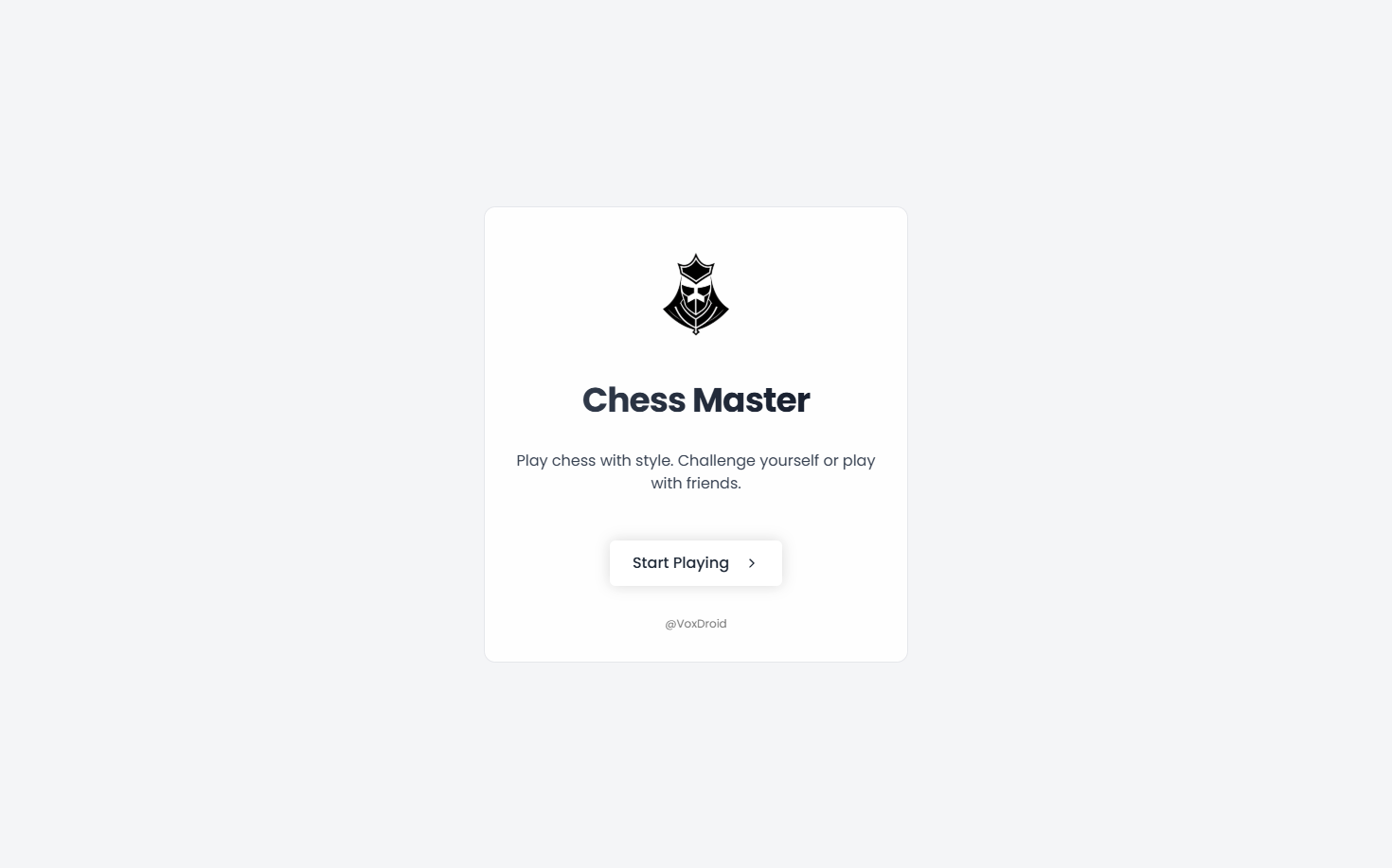 | 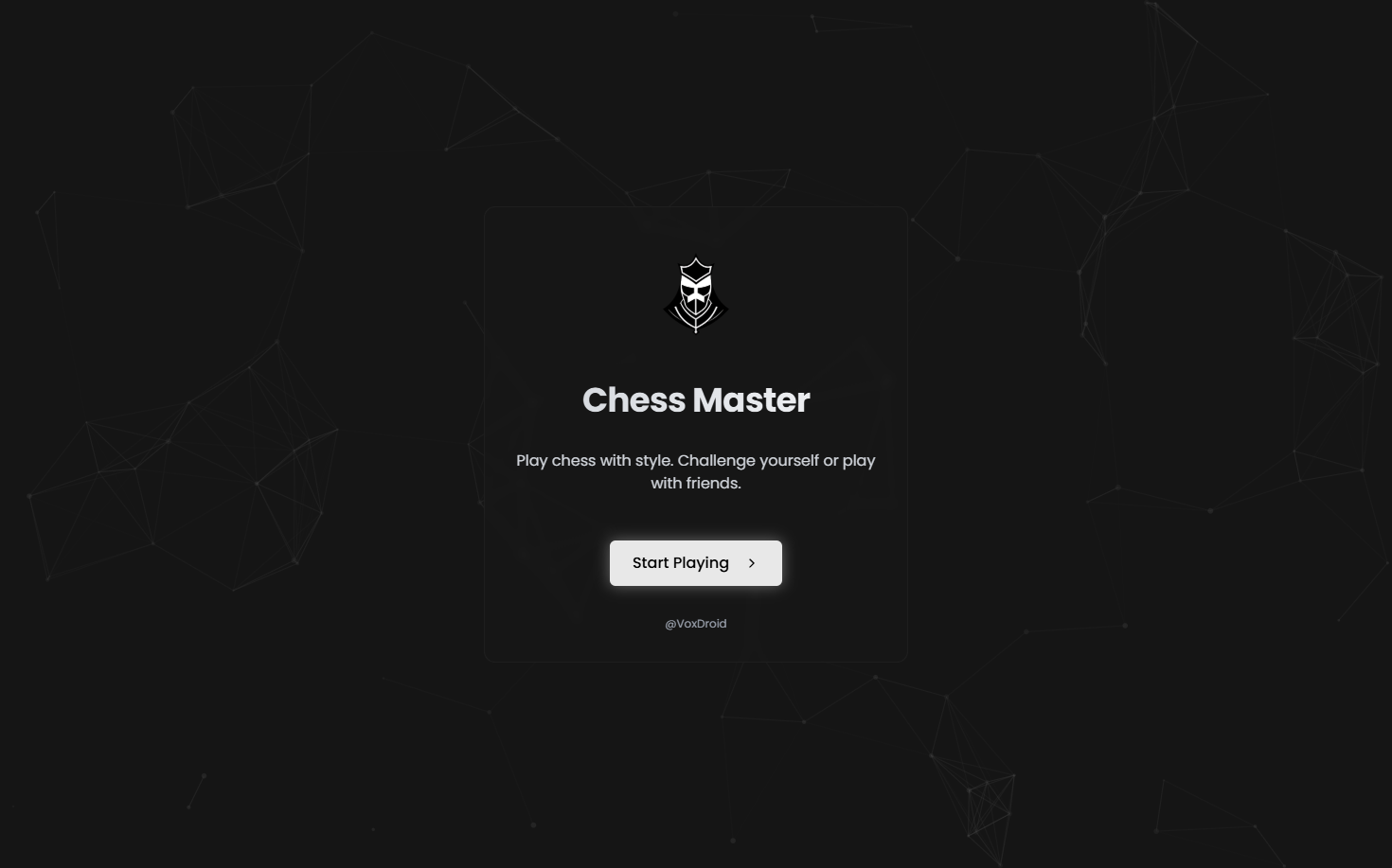 |
| Game Screen | 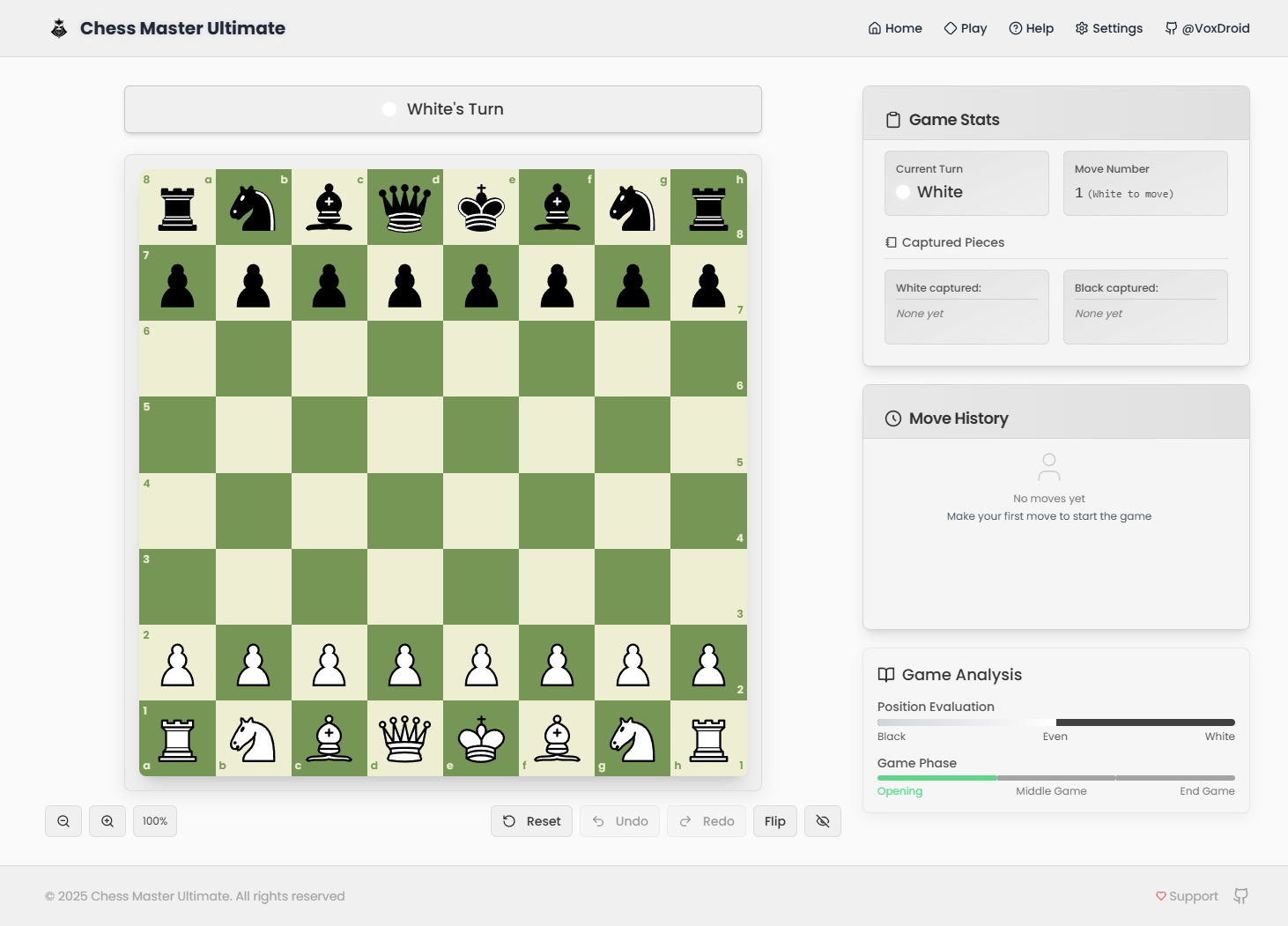 | 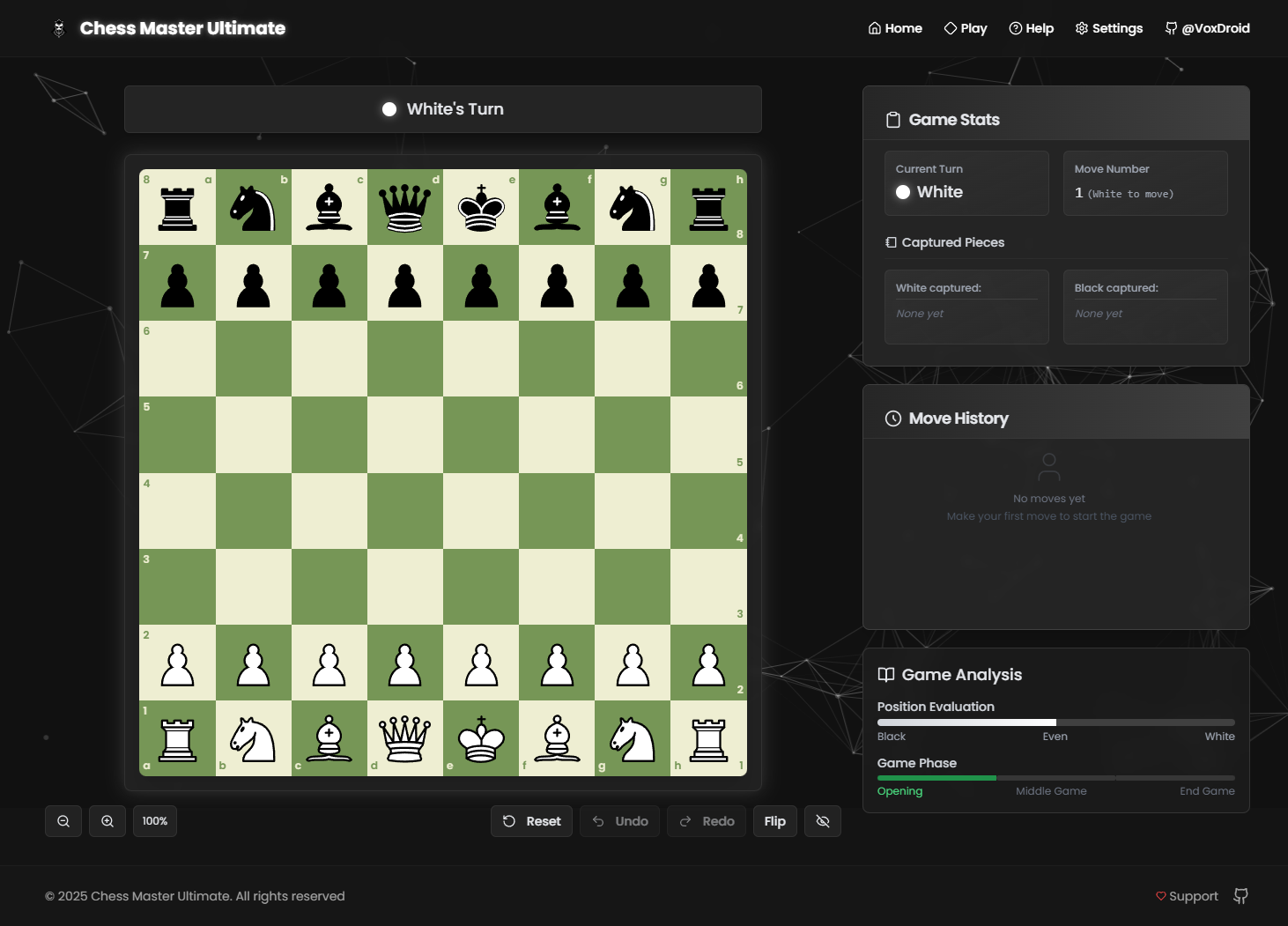 |
Getting Started
Set up and run Chess Master Ultimate locally with these steps.
Prerequisites
- Node.js: Version 18.0 or higher
- Package Manager:
npmoryarn
Installation
-
Clone the Repository
git clone https://github.com/VoxDroid/Chess-Master-Ultimate.git -
Navigate to the Project Directory
cd Chess-Master-Ultimate -
Install Dependencies
npm install # or yarn install -
Start the Development Server
npm run dev # or yarn dev -
Open http://localhost:3000 in your browser to start playing.
Usage
Once the application is running, you can explore and customize it. Below are key sections and how to use them effectively.
Getting Started
- Launch the development server as described above.
- Click "Start Playing" on the home page to begin a game with white to move.
- Use the board controls or keyboard shortcuts to play.
Chess Board
- Purpose: Play chess with an interactive board.
- How to Use: Click a piece to select it, then click a valid square to move. Drag-and-drop also supported.
Game Controls
- Purpose: Manage gameplay with intuitive controls.
- How to Use: Use buttons below the board to undo, redo, reset, flip, or toggle fullscreen mode.
Settings
- Purpose: Customize the game experience.
- How to Use: Access the settings menu to adjust themes, fonts, language, and timer options.
Customization
Tailor Chess Master Ultimate to your preferences.
Changing Colors
Modify the theme in tailwind.config.ts:
// tailwind.config.ts
const config = {
  theme: {
    extend: {
      colors: {
        primary: {
          DEFAULT: "hsl(210, 50%, 50%)", // Customize here
          foreground: "hsl(210, 10%, 95%)",
        },
      },
    },
  },
};
Adjust CSS variables in styles/global.css:
:root {
  --primary: 210 50% 50%; /* Light mode */
}

.dark {
  --primary: 210 50% 60%; /* Dark mode */
}
Updating Content
Edit these files to tweak the UI:
- Chessboard:
components/custom-chessboard.tsx - Stats:
components/game-stats.tsx - Move History:
components/move-history.tsx - Translations:
lib/translations.ts
Customizing Particle Background
Adjust the animation in components/particle-background.tsx (if implemented separately):
const particleCount = Math.min(100, Math.floor((window.innerWidth * window.innerHeight) / 10000));
const colors = [
  "rgba(0, 102, 204, 0.5)", // Adjust colors
  "rgba(51, 153, 255, 0.5)",
];
Project Structure
chess-master-ultimate/
├── app/                  # Next.js app directory
│   ├── game/             # Game page
│   ├── providers.tsx     # Context providers
│   ├── layout.tsx        # Root layout
│   └── page.tsx          # Home page
├── components/           # Reusable React components
│   ├── custom-chessboard.tsx  # Chess board component
│   ├── game-stats.tsx    # Game statistics widget
│   ├── move-history.tsx  # Move history widget
│   └── ...               # Other UI components
├── lib/                  # Utility functions
│   └── translations.ts   # Translation system
├── hooks/                # Custom React hooks
├── public/               # Static assets
│   ├── images/           # Images and icons
│   └── ...               # Other public files
├── styles/               # Global styles
├── tailwind.config.ts    # Tailwind CSS configuration
├── tsconfig.json         # TypeScript configuration
└── package.json          # Dependencies and scripts
Built With
- Next.js - React framework for production-grade apps
- TypeScript - Typed JavaScript for reliability
- Tailwind CSS - Utility-first CSS framework
- Framer Motion - Animation library
- chess.js - Chess logic engine
- tsparticles - Particle effects
- react-hotkeys-hook - Keyboard shortcuts
- Lucide Icons - Consistent icon set
- shadcn/ui - Reusable UI components
Dependencies
To run this project, the following Node.js packages are required (listed in package.json):
next- Core frameworkreactandreact-dom- React librariestypescript- Type checkingtailwindcss- Stylingframer-motion- Animationschess.js- Chess logictsparticles- Particle effectsreact-hotkeys-hook- Keyboard shortcuts@lucide/react- Icons- Various
shadcn/uidependencies (e.g.,@radix-ui/*)
Install them with:
npm install
Releases
- Check the Releases page for versioned updates.
- Each release includes notes on new features, bug fixes, and improvements.
- The source code is the primary distribution method; no pre-built binaries are provided.
Key Features Explained
Interactive Chess Board
A fully functional board with drag-and-drop or click-to-move mechanics, powered by chess.js and custom-chessboard.tsx.
Multilingual Support
Supports 12 languages with a custom translation system in lib/translations.ts.
Particle Background
Dynamic particle effects using tsparticles, enhancing visual appeal.
Keyboard Shortcuts
Comprehensive controls implemented with react-hotkeys-hook for efficient gameplay.
License
This project is licensed under the MIT License. See the license file for details.
Acknowledgments
- chess.js - Robust chess logic
- tsparticles - Particle animations
- shadcn/ui - Reusable UI components
- Lucide Icons - Beautiful icon library
- Framer Motion - Smooth animations
- Tailwind CSS - Efficient styling
- Next.js - Robust framework
Contact
Questions or feedback? Reach out:
- GitHub: @VoxDroid
Contributing
Contributions are welcome! Please read our Contributing Guide for details on how to contribute, and review our Code of Conduct to ensure a positive and inclusive community.
To contribute:
- Fork the repository: https://github.com/VoxDroid/Chess-Master-Ultimate
- Create a feature branch (
git checkout -b feature-name) - Commit your changes (
git commit -m "Add feature") - Push to the branch (
git push origin feature-name) - Open a pull request
Support
For support, please refer to our Support Guide. If you encounter security issues, please review our Security Policy.
If you find this project useful, consider supporting its development:
- Ko-fi: Buy me a coffee

- Star the Repository: Give it a star on GitHub
- Report Issues: Submit bugs or suggestions on the Issues page
Developed by VoxDroid
GitHub | Ko-fi
© 2025 Chess Master Ultimate. All rights reserved.


![vercel[bot]](https://avatars.githubusercontent.com/in/8329?v=4)