📜 vox-md
🌟 A Rust-Based CLI Tool to Convert Markdown Files to PDF with Customizable Formatting and Templates 🌟






Table of Contents
- Introduction
- Features
- System Requirements
- Installation
- Getting Started
- Usage
- Contributing
- Security
- Code of Conduct
- Support
- License
- Acknowledgements
Introduction
vox-md is an open-source command-line interface (CLI) tool written in Rust that converts Markdown files to professionally formatted PDF documents. Leveraging the pulldown-cmark library for Markdown parsing and wkhtmltopdf for PDF generation, it offers customizable templates, page sizes, margins, font sizes, and orientations. Designed for developers, writers, and documentation enthusiasts, vox-md simplifies the process of creating polished PDFs from Markdown with minimal setup.
The tool supports three built-in HTML templates (default, modern, minimal) for styling, and users can create custom templates for further personalization. With verbose logging and robust error handling, vox-md ensures a reliable and user-friendly experience.
Note: This project is actively maintained. It requires
wkhtmltopdfto be installed on your system. Contributions to add new features, templates, or improve performance are welcome!
Features
- Markdown to PDF Conversion:
- Parses Markdown files using
pulldown-cmarkand converts them to HTML. - Generates PDFs using
wkhtmltopdfwith high-quality rendering.
- Parses Markdown files using
- Customizable Output:
- Supports multiple page sizes: A4, Letter, Legal.
- Configurable margins (in millimeters).
- Portrait or landscape orientation.
- Custom document title and base font size.
- Template System:
- Includes three built-in templates:
default,modern,minimal. - Allows custom HTML templates stored in the
templates/directory. - Templates support dynamic font size substitution.
- Includes three built-in templates:
- Command-Line Interface:
- Built with
structoptfor intuitive argument parsing. - Supports flags for input/output paths, template selection, and verbose logging.
- Built with
- Error Handling:
- Validates input (
.mdextension) and output (.pdfextension) files. - Provides clear error messages for missing files, invalid templates, or configuration issues.
- Validates input (
- Verbose Mode:
- Detailed logs for debugging (e.g., template loading, PDF generation steps).
- Cross-Platform:
- Runs on Windows, macOS, and Linux with
wkhtmltopdfinstalled.
- Runs on Windows, macOS, and Linux with
- Lightweight:
- Minimal dependencies and efficient Rust implementation.
System Requirements
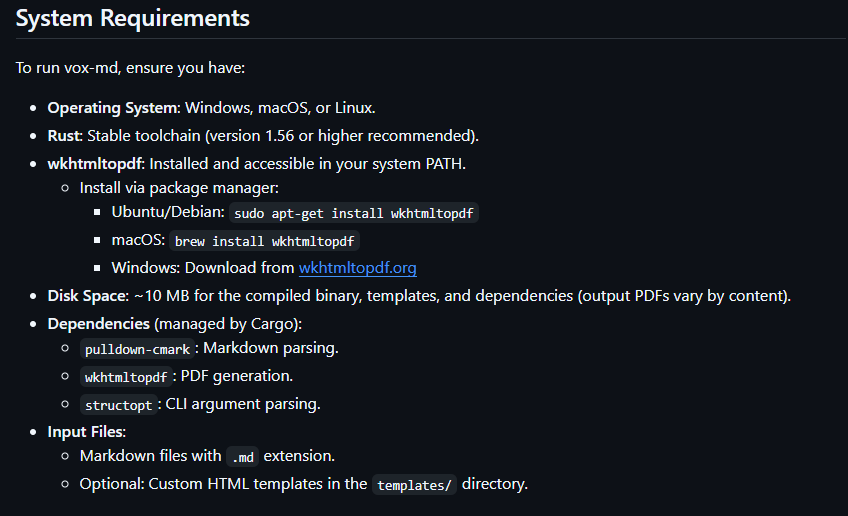
To run vox-md, ensure you have:
- Operating System: Windows, macOS, or Linux.
- Rust: Stable toolchain (version 1.56 or higher recommended).
- wkhtmltopdf: Installed and accessible in your system PATH.
- Install via package manager:
- Ubuntu/Debian:
sudo apt-get install wkhtmltopdf - macOS:
brew install wkhtmltopdf - Windows: Download from wkhtmltopdf.org
- Ubuntu/Debian:
- Install via package manager:
- Disk Space: ~10 MB for the compiled binary, templates, and dependencies (output PDFs vary by content).
- Dependencies (managed by Cargo):
pulldown-cmark: Markdown parsing.wkhtmltopdf: PDF generation.structopt: CLI argument parsing.
- Input Files:
- Markdown files with
.mdextension. - Optional: Custom HTML templates in the
templates/directory.
- Markdown files with
Installation
Follow these steps to install and set up vox-md:
-
Install Rust:
- Install the Rust toolchain via rustup:
curl --proto '=https' --tlsv1.2 -sSf https://sh.rustup.rs | sh - Update Rust:
rustup update
- Install the Rust toolchain via rustup:
-
Install wkhtmltopdf:
- Linux (Ubuntu/Debian):
sudo apt-get update sudo apt-get install wkhtmltopdf - macOS:
brew install wkhtmltopdf - Windows: Download and install from wkhtmltopdf.org, then add to PATH.
- Linux (Ubuntu/Debian):
-
Clone the Repository:
git clone https://github.com/VoxDroid/vox-md.git -
Navigate to the Project Directory:
cd vox-md -
Build the Project:
cargo build --releaseThe compiled binary will be located at
target/release/vox-md. -
(Optional) Install Globally:
- Copy the binary to a directory in your PATH (e.g.,
/usr/local/binon Linux/macOS):sudo cp target/release/vox-md /usr/local/bin/
- Copy the binary to a directory in your PATH (e.g.,
-
Verify Installation:
vox-md --helpThis should display the CLI help message with available options.
-
Prepare Templates:
- Ensure the
templates/directory containsdefault.html,modern.html, andminimal.html. - Example template structure:
<!DOCTYPE html>
<html>
<head>
    <style>
        body { font-size: {{FONT_SIZE}}pt; }
    </style>
</head>
<body>
    {{CONTENT}}
</body>
</html>
- Ensure the
Note: If
wkhtmltopdfis not in your PATH, you may need to specify its location via environment variables or update your system configuration.
Getting Started
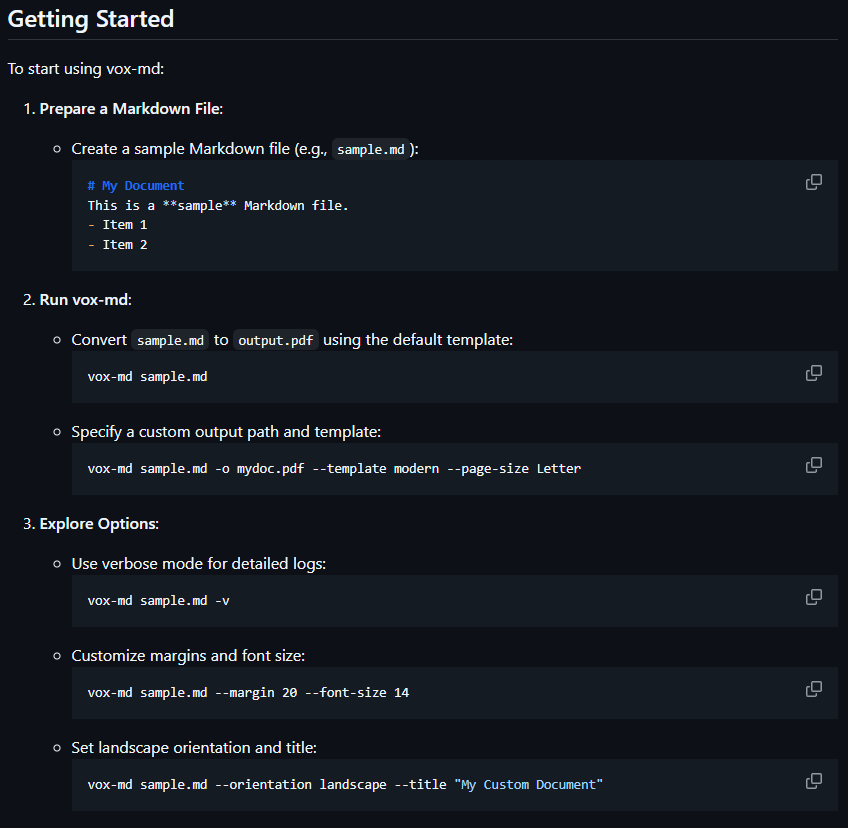
To start using vox-md:
-
Prepare a Markdown File:
- Create a sample Markdown file (e.g.,
sample.md):# My Document This is a **sample** Markdown file. - Item 1 - Item 2
- Create a sample Markdown file (e.g.,
-
Run vox-md:
- Convert
sample.mdtooutput.pdfusing the default template:vox-md sample.md - Specify a custom output path and template:
vox-md sample.md -o mydoc.pdf --template modern --page-size Letter
- Convert
-
Explore Options:
- Use verbose mode for detailed logs:
vox-md sample.md -v - Customize margins and font size:
vox-md sample.md --margin 20 --font-size 14 - Set landscape orientation and title:
vox-md sample.md --orientation landscape --title "My Custom Document"
- Use verbose mode for detailed logs:
-
Verify Output:
- Open the generated PDF (e.g.,
output.pdf) in a PDF viewer. - Check formatting, template styling, and content accuracy.
- Open the generated PDF (e.g.,
Usage
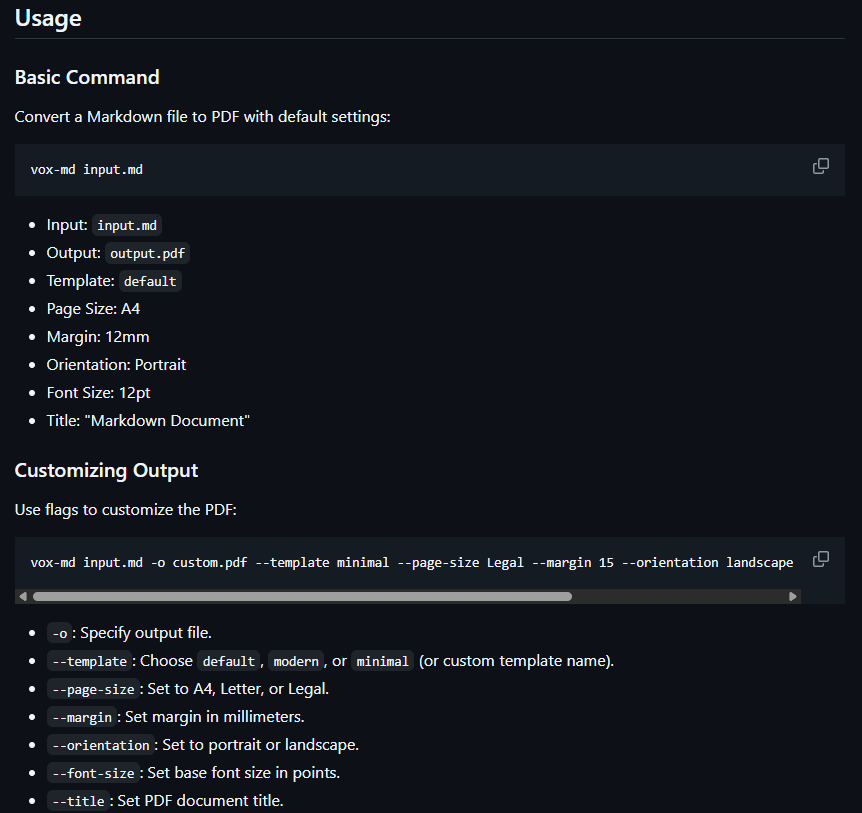
Basic Command
Convert a Markdown file to PDF with default settings:
vox-md input.md
- Input:
input.md - Output:
output.pdf - Template:
default - Page Size: A4
- Margin: 12mm
- Orientation: Portrait
- Font Size: 12pt
- Title: "Markdown Document"
Customizing Output
Use flags to customize the PDF:
vox-md input.md -o custom.pdf --template minimal --page-size Legal --margin 15 --orientation landscape --font-size 10 --title "Project Report"
-o: Specify output file.--template: Choosedefault,modern, orminimal(or custom template name).--page-size: Set to A4, Letter, or Legal.--margin: Set margin in millimeters.--orientation: Set to portrait or landscape.--font-size: Set base font size in points.--title: Set PDF document title.
Verbose Mode
Enable detailed logging for debugging:
vox-md input.md -v
Output includes template loading, HTML conversion, and PDF generation steps.
Custom Templates
- Create a new HTML template in
templates/(e.g.,custom.html):<!DOCTYPE html> <html> <head> <style> body { font-size: {{FONT_SIZE}}pt; font-family: Arial; } h1 { color: navy; } </style> </head> <body> {{CONTENT}} </body> </html> - Use the custom template:
vox-md input.md --template custom
Example Workflow
- Write a Markdown file (
report.md):# Annual Report ## Summary This report covers **2025** performance. - Revenue: $1M - Growth: 10% - Generate a PDF with the modern template:
vox-md report.md -o report.pdf --template modern --page-size Letter --margin 10 - Open
report.pdfto view the styled document.
To try vox-md:
- Clone the repository and install dependencies as described in Installation.
- Create a sample Markdown file (e.g.,
sample.md). - Run:
vox-md sample.md -o sample.pdf --template minimal - Open
sample.pdfto view the result.
Contributing
We welcome contributions to vox-md! To get involved:
- Review the Contributing Guidelines for details on submitting issues, feature requests, or pull requests.
- Fork the repository, make changes, and submit a pull request.
- Adhere to the Code of Conduct to ensure a respectful community.
Example contributions:
- Add new templates or styling options.
- Support additional Markdown features (e.g., tables, code blocks).
- Improve error messages or add new CLI flags.
- Optimize PDF generation performance.
Security
Security is a priority for vox-md. If you discover a vulnerability:
- Report it privately as outlined in the Security Policy.
- Avoid public disclosure until the issue is resolved.
Code of Conduct
All contributors and users are expected to follow the Code of Conduct to maintain a welcoming and inclusive environment.
Support
Need help with vox-md? Visit the Support page for resources, including:
- Filing bug reports or feature requests.
- Community discussions and contact information.
- FAQs for common issues (e.g., wkhtmltopdf setup, template errors).
License
vox-md is licensed under the MIT License. See the LICENSE file for details.
Acknowledgements
- VoxDroid: For creating and maintaining the project.
- Rust Community: For providing robust libraries like
pulldown-cmarkandwkhtmltopdf. - wkhtmltopdf: For reliable PDF generation.
- Contributors: Thanks to all who report issues, suggest features, or contribute code.
- Markdown Users: For inspiring tools that simplify documentation workflows.